Your Screen: From Fluorescent to Halogen with f.lux
What It Does
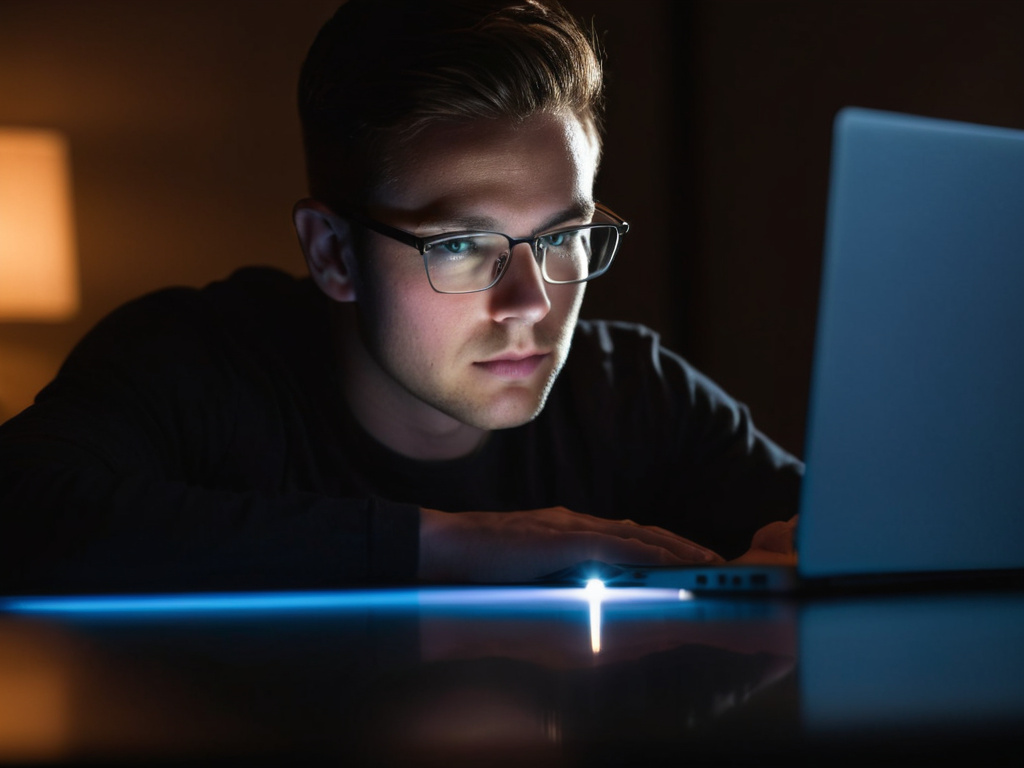
Monitors are calibrated for maximum brightness and a cool white point, roughly 6500K, because that is what looks crisp in an office and on a shop display. At 10pm, sitting in a dim room, that same screen is a light box aimed at your face.
f.lux shifts the colour temperature of your display toward warmer tones as the evening progresses, following the sun at your location. By late evening the screen is noticeably orange rather than blue-white. It runs in the system tray, it is a few hundred kilobytes, and it is free (they take donations).
The Claim, And What The Evidence Says
f.lux's premise is that blue-enriched light in the evening suppresses melatonin and disrupts sleep timing. That mechanism is real and reasonably well established — light exposure in the evening does shift circadian timing, and short-wavelength light is the more potent signal.
The part that is genuinely contested is whether changing your screen's colour produces a meaningful sleep or health benefit. The research is mixed: some studies show small effects on sleep onset, others show none, and the effect sizes are much smaller than things like consistent sleep timing, caffeine intake or actual brightness. Recent large studies have been fairly sceptical of the benefit for sleep specifically.
So the honest position: it makes evening screens far more comfortable to look at, which is a real benefit for most people, and it may modestly help sleep. It is not a substitute for turning the screen off.
Installation And Setup
Download from justgetflux.com, install, and it appears in the system tray.
Then configure three things:
Your location. It uses this to know when sunset is. Set it once; it adjusts through the year automatically, which is the part a manual schedule gets wrong.
Day and night temperatures. The default night setting is around 3400K, which is amber but still usable. Lower is warmer. I run 6500K daytime and 3400K at night; going below ~2700K makes colour-sensitive work impossible.
Transition speed. A slow transition over an hour is much less jarring than a sudden jump, and it means you do not notice it happening.
f.lux also has a "movie mode" that holds a warmer temperature for longer, and a disable-for-an-hour option in the tray menu — worth knowing before you try to colour-grade a photo at 9pm and wonder why the whites are cream.
The Built-In Alternative
Windows 10 and 11 have Night light (Settings → System → Display), and macOS has Night Shift. Both do the same thing: a warm colour shift on a schedule or by sunset.
If you only want the feature and nothing else, the built-in is the right answer. It has no install, no background service and one fewer thing to break.
f.lux does more: finer control over temperature and transition, per-application exemption, and location-aware scheduling that adjusts with the seasons. Whether that matters depends on how much time you spend in front of the screen at night.
What Actually Helps More
Having used f.lux for years, I would rank the interventions honestly:
- Turn down screen brightness at night. The strongest effect and the one people skip. A dim warm screen beats a bright warm screen.
- Stop using it an hour before bed, or at least stop doing anything engaging on it.
- Keep a consistent sleep and wake time. This dwarfs everything above.
- A warm colour shift, which is where f.lux sits.
- Adequate room lighting rather than one bright screen in a dark room — the contrast is what makes a screen tiring.
That ordering is not an argument against f.lux. It is an argument for not treating a colour filter as a solution when the brightness slider and the off switch are free.
Why It Stays Installed
Two small reasons, both real: the evening screen is far less abrasive than the bright blue alternative, and it removes the "just one more thing" feeling of sitting in front of a light box at midnight.
For a program under a megabyte that runs on contributions and shows no ads, that is a good return. Install it, set your location, drop the night temperature to something warm, and then go fix your sleep schedule, which matters much more.
Don't trust the download button. Trust the hash.
If this was useful, More hands-on tech guides at TechGeek. No pressure — read it whenever it's useful.
