Taking the First N Lines Without Killing Your Pipeline
The problem is simple to state and annoying to hit in production. You have a command that produces a lot of output—maybe a log scraper, a find over a deep tree, a test runner printing millions of lines—and you just need the first few to sanity-check it. You write:
set -euo pipefail
some_long_command | head -n 5
And your script dies. Exit code 141 from the producer (SIGPIPE), propagated by pipefail. The head did exactly what you asked, but the shell treats the dead upstream process as a failure. In a CI job or a long-running automation script, that one diagnostic check takes down the whole run.
The root cause is a race between two things: head -n 5 closes its stdin after reading five lines, and the producer gets a SIGPIPE on the next write. Under normal shell settings that's fine—SIGPIPE to a short-lived process is noise. But set -o pipefail says "if any stage in the pipeline returns non-zero, the whole pipeline returns non-zero." And set -e says "if the pipeline returns non-zero, stop." So your carefully constructed error-handling environment turns a perfectly normal early-close into a fatal error.
The fix is to temporarily relax those two settings around the pipe, capture what actually happened via PIPESTATUS, and then decide for yourself whether each stage's exit code is acceptable. That's what this script does.
How headpipe.sh works
The script takes an integer N and a command (with its arguments). It validates both up front: N must be a non-negative integer, and you must supply at least two arguments. If either check fails, it prints usage to stderr and exits 2.
Then comes the critical section. It disables pipefail and errexit (set +o pipefail / set +e). This is the part that lets the pipe run without the shell intervening mid-execution. It runs your command piped into head -n "$n". Immediately after, it captures the PIPESTATUS array into a local variable before any subsequent command can overwrite it.
Then it re-enables both settings and inspects each stage individually:
- Stage 1 is
head. If it exited non-zero, something is genuinely wrong—bad N, disk full on stdout, a broken pipe on the output side. The script reports the error with the full PIPESTATUS and exits with that code. - Stage 0 is your producer. Exit 141 means it received SIGPIPE, which is exactly what you expect when
headstops reading after N lines. The script prints a note to stderr confirming this is the expected path, then exits 0. Any other non-zero exit from the producer is a real failure, and the script propagates that code upward.
The set -euo pipefail at the top of the script means the script itself is strict by default. It only relaxes the rules for the single line where you need to observe raw exit codes. Everything else—argument parsing, the final checks—runs under full strictness.
Verification
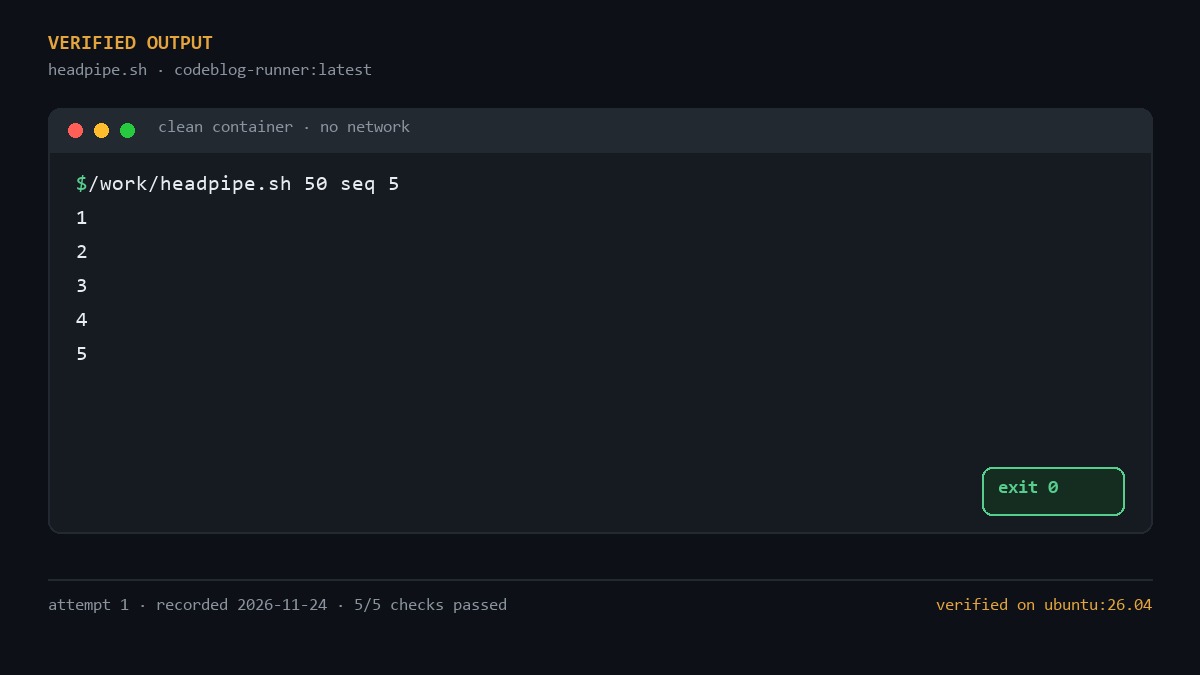
I ran this in a clean Ubuntu container. Five cases, all passing:
=== RUN: /work/headpipe.sh 3 seq 10
1
2
3
PASS: first 3 of 10 lines
=== RUN: /work/headpipe.sh 50 seq 5
1
2
3
4
5
PASS: N > total lines (clean EOF)
=== RUN: /work/headpipe.sh 0 seq 100
PASS: N=0 yields empty output
=== RUN: /work/headpipe.sh 5 seq 1000000
1
2
3
4
5
PASS: stress: first 5 of 1,000,000 lines (SIGPIPE path)
=== RUN: /work/headpipe.sh 2 cat '/tmp/testdata/weird name (copy).txt'
alpha
beta
PASS: filename with spaces+parens: first 2 of 3 lines

Results: 5 passed, 0 failed
The seq 1000000 case is the one that would kill a naive set -o pipefail script. The producer gets SIGPIPE after five lines; headpipe catches exit 141 and treats it as success. The weird name (copy).txt case confirms the quoting works when your command has arguments with spaces or parentheses.
The script
#!/usr/bin/env bash
set -euo pipefail

[ $# -ge 2 ] || { echo "headpipe: usage: headpipe N cmd [args...]" >&2; exit 2; }
n=$1; shift
[[ $n =~ ^[0-9]+$ ]] || { echo "headpipe: N must be non-negative integer (got '$n')" >&2; exit 2; }

set +o pipefail
set +e

"$@" | head -n "$n"
ps=("${PIPESTATUS[@]}")

set -e
set -o pipefail

if [ "${ps[1]}" -ne 0 ]; then
  echo "[headpipe] ERROR: head (stage 1) exited ${ps[1]}; PIPESTATUS=(${ps[*]})" >&2
  exit "${ps[1]}"
fi
if [ "${ps[0]}" -ne 0 ] && [ "${ps[0]}" -ne 141 ]; then
  echo "[headpipe] ERROR: producer (stage 0) exited ${ps[0]}; PIPESTATUS=(${ps[*]})" >&2
  exit "${ps[0]}"
fi
[ "${ps[0]}" -eq 141 ] && echo "[headpipe] PIPESTATUS=(${ps[*]}) stage 0 got SIGPIPE (expected)" >&2

exit 0
Save it as headpipe.sh, run chmod +x on it, and drop it somewhere on your PATH.
How to use it
Grab the first three lines of a sequence:
./headpipe.sh 3 seq 10
Preview the top of a large log without waiting for the whole file to stream through:
./headpipe.sh 20 tail -f /var/log/syslog
Check that a find command is producing output before you pipe it into a slow downstream consumer:
./headpipe.sh 5 find /srv/data -name '*.parquet'
In a script where set -euo pipefail is already active, replace any bare cmd | head -n N with headpipe.sh N cmd [args...] and your pipeline stops dying on the SIGPIPE. The rest of your error handling stays intact because the script re-enables both settings before it returns control to your shell.
One caveat: this handles the two-stage pipe (producer → head). If you need to peek into a three- or four-stage pipeline, you'll want to generalize the PIPESTATUS check into a loop over all stages. For the "just let me see the first few lines" use case, two stages is all you need.
