Binaural Beats & Isochronic Tones in Your Browser — How quietdeep.app Works
I built a meditation app that synthesises all of its audio live inside your browser — no streaming, no pre-recorded tracks, no account required. It's called quietdeep.app and it's free. This post is the technical one: how binaural beats and isochronic tones actually work as signals, why the app targets the 4–8 Hz theta band, and why generating everything client-side with the Web Audio API changes what a "meditation app" can be.
What entrainment is trying to do
Your brain produces electrical activity in bands, roughly:
| Band | Frequency | Associated state |
|---|---|---|
| Delta | 0.5–4 Hz | Deep sleep |
| Theta | 4–8 Hz | Drowsiness, meditation, hypnagogia (the drift-off zone) |
| Alpha | 8–13 Hz | Relaxed wakefulness, eyes closed |
| Beta | 13–30 Hz | Alert, focused, "racing" thought |
The idea behind audio entrainment is the frequency following response: when the brain hears a steady rhythmic stimulus at some frequency, neural oscillation tends to lock onto that rhythm. So if you can deliver a clean 6 Hz rhythm to the auditory system, you give the brain a reason to spend more time in theta — the state where it's easy to settle down, drift off, or get into a meditative groove.
To be straight with you: the research on whether this produces measurable changes in scalp EEG is mixed and still being worked out. What I can say from building it is that the rhythm is a genuine attention anchor — most people find it easier to let go when there's something steady to hold onto instead of a silent room full of your own thoughts.
Binaural beats: the two-tone trick
A binaural beat isn't a sound you hear in either ear on its own. You play two pure tones, one in each ear, at slightly different frequencies — say 200 Hz to the left and 206 Hz to the right. Each ear faithfully reports its own tone to the brain, and somewhere around the superior olivary nucleus (the first place the two ears' signals meet) the brain computes the difference: 6 Hz. You perceive that difference as a slow pulsing "beat" that isn't physically present in either channel.
That's what makes binaural beats genuinely interesting from an engineering standpoint — you're synthesising a frequency your ears never received, purely through subtraction in the brainstem.
Two practical consequences:
- Stereo is mandatory. If both tones reach both ears (mono speaker, phone on speaker), each ear hears both 200 Hz and 206 Hz directly, and there's nothing for the brain to subtract. The beat vanishes.
- The carrier matters less than the difference. People usually pick a comfortable mid-range carrier (150–300 Hz) and set the detune to the target rhythm. In quietdeep.app the carrier and the detune are separate knobs; only the detune is doing the entrainment work.
In Web Audio terms this is almost embarrassingly simple: two OscillatorNodes, one routed to the left channel via a StereoPannerNode (or a ChannelMergerNode), the other to the right, with frequencies set to carrier and carrier + beatHz.
Isochronic tones: the pulsing trick
Isochronic tones take a different route. Instead of two detuned tones, you have one tone at one pitch that switches on and off at the target rate — 6 times per second for a 6 Hz rhythm. The amplitude envelope itself carries the beat, so there's no inter-ear difference to compute.
Implementation: an oscillator feeding a GainNode, with the gain modulated by a periodic pulse. The details that matter:
- Pulse shape. A hard square on/off at audio rates produces clicks and harsh transients. Shaping the envelope (a few milliseconds of attack/release, or a raised-cosine window) keeps it smooth while still being unmistakably rhythmic.
- Duty cycle. Roughly 50% on/off is standard; shorter pulses sound more "ticking", longer ones more "swelling".
- Mono works. Because the rhythm is in the amplitude of a single channel, isochronic tones work over any speaker — phone, laptop, car stereo. Many people actually find isochronic tones feel stronger than binaural beats for the same target frequency, which is why quietdeep.app offers both and lets you pick per session.
Why 4–8 Hz specifically
The app targets the theta band because that's the neighbourhood you want to be in when you're trying to meditate or fall asleep — not the "racing" beta territory, not deep-sleep delta (you can't really steer there with audio while awake). Working within a 4 Hz window instead of one fixed frequency matters more than it sounds:
- A single fixed beat (the classic "6 Hz binaural track") is a one-size-fits-all signal.
- quietdeep.app shapes the target around your session — nudging within the band based on how you're doing, rather than forcing one rhythm for everyone. The audio graph is live, so changing the detune or pulse rate mid-session is just updating a parameter; there's no track to cut and re-render.
That last point is where client-side synthesis really pays off, and it brings me to the part I'm most proud of.
Synthesising it all in the browser (and why that matters)
Everything quietdeep.app plays is generated on your device by the Web Audio API at the moment you hear it. Three consequences:
Privacy. The audio never leaves your machine because it was never on a server to begin with — there's no track file, no CDN, no streaming endpoint to log. Sessions run without an account; the thought-reduction taps (more below) are scored against a baseline stored on your device. If you create an account, your stats sync across devices — but that's your choice, and it's opt-in data you're sending, not telemetry being collected from a stream.
Offline. The app is a PWA: a service worker caches the app shell, so once you've visited it, the whole thing works with no connection. Meditation doesn't pause because you're on a plane or in a dead spot — and neither does the audio, because there was never a stream to drop.
Infinite length, zero drift. Pre-rendered entrainment tracks have a subtle problem: they're fixed. A 10-minute track at 6 Hz is 6 Hz forever, and if you want 5.2 Hz you need a different file. With live synthesis the session can run as long as you want, adapt within the band in real time, and cost zero bandwidth.
The Web Audio graph for an isochronic session is roughly: OscillatorNode → GainNode (pulse-modulated) → (optional lowpass filter) → destination. For binaural: two oscillators panned left/right. All of it is a few dozen lines of JavaScript, running at sample rate on your CPU — which is why the app stays smooth even on modest hardware.
Thought-reduction scoring
One more piece that's worth explaining because it's easy to get wrong. During a session you tap each time you notice a thought. The score compares your tap rate against your own baseline from earlier sessions, not against some absolute number.
This is deliberate. Two people sitting in the same room can have wildly different "normal" thought rates — and more importantly, you on a good day versus you after a 100 km race are different instruments. An absolute benchmark tells you nothing; a personal baseline tells you whether this session was calmer than yours usually are, which is the only comparison that's actually actionable.
Try it
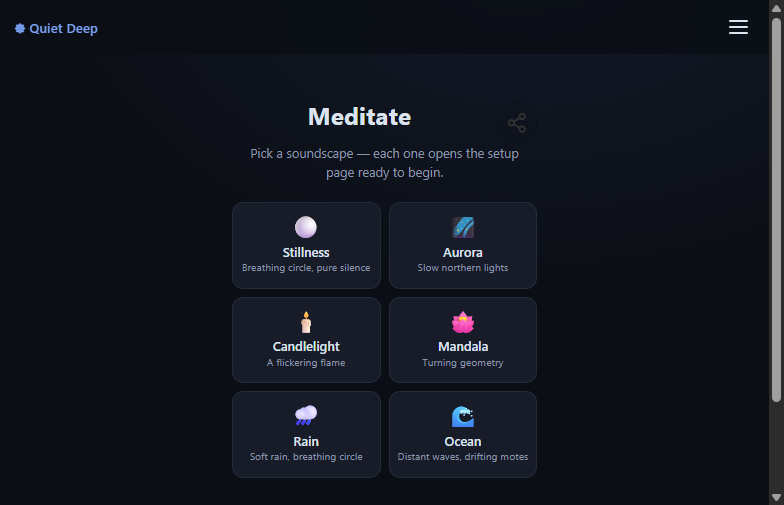
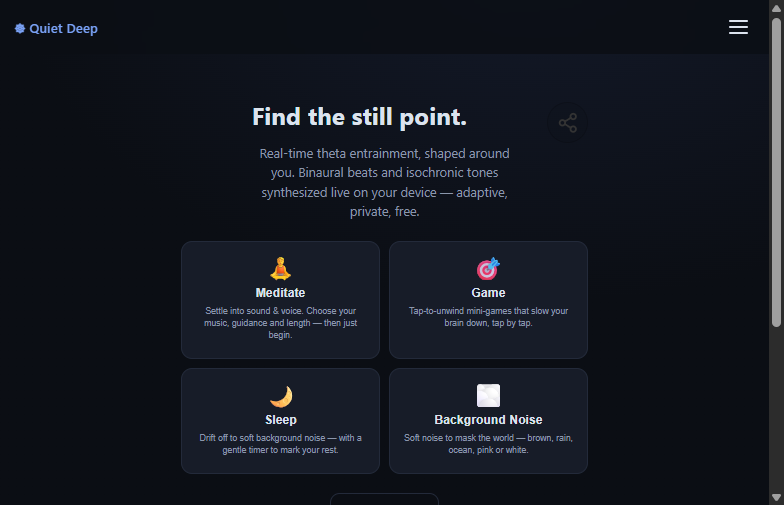
If this is your kind of rabbit hole, quietdeep.app is free and needs no account to start — open it, pick a soundscape, put headphones on for the binaural mode, and see what 6 Hz feels like.
If you want your sessions and stats to follow you across devices (and get daily practice reminders), create a free account here — it's still free, it just syncs.
If you're building anything with the Web Audio API and want to compare notes on oscillators, envelopes or PWA caching, hit me up in the comments or via email — I'm always happy to talk shop.
Suggested
