Merging CSV Files by Header Without Losing Your Mind
I pull sensor data from three different sources every month. One file has timestamp, temp_c, humidity. Another has temp_c, pressure_hpa, timestamp. A third adds battery_v but drops humidity. If I just cat them together, the columns are wrong. If I open each in a spreadsheet and manually align, I'm doing data entry by hand at 11pm on a Tuesday.
The fix is a small Python script that reads every file, builds a union of all column headers in order of first appearance, then maps each row's values into the correct positions. Missing columns get an empty string. Exact duplicate rows get dropped. That's it. No pandas dependency, no library install. Just csv from the standard library.
How the script works
The argument parsing is deliberately minimal. First positional arg is the output path. Everything after that is an input file. If you pass fewer than two arguments, it prints usage to stderr and exits with code 1. Before opening anything, it checks that every input path actually exists on disk. This catches typos early rather than letting you half-write an output file and then hit a FileNotFoundError three files in.
The core loop iterates over each input file. For each one, it opens the file with newline='' (required by the csv module to handle line endings correctly) and UTF-8 encoding. It reads the first row as the header. If the file is completely empty, next(r) raises StopIteration and the script skips that file silently.
Now comes the alignment logic. The script maintains a running list called headers and a set called seen. For each new file's header row, it checks which column names are not already in headers. Any new names get appended to the master list. Critically, if new columns appear, every previously collected row gets padded with empty strings so the row widths stay consistent. That's the rows[:] = [row + [''] * len(new) for row in rows] line. It's an in-place replacement because you can't safely mutate a list while iterating over it in the same comprehension context.
Then it builds a column map: a dictionary from header name to index position for that specific file. For each data row, it constructs a new record by looking up the master header list and pulling the value at the corresponding index if it exists, otherwise an empty string. The cm[h] < len(row) guard handles ragged rows where a line has fewer fields than the header declared.
After building the record tuple, it checks membership in seen. If the exact same set of values appeared before, the row is skipped. This catches true duplicates across files. It won't catch near-duplicates (a timestamp off by one second), but that's a data-quality problem, not a merge problem.
What it handles and what it doesn't
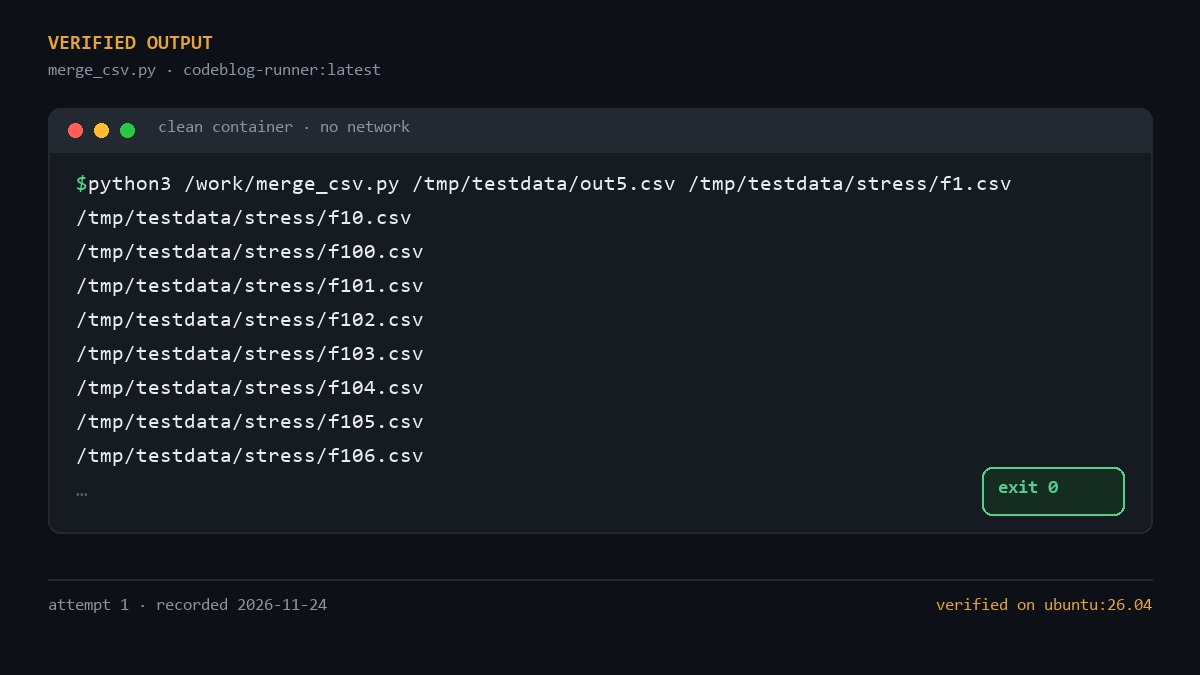
The script was verified in a clean Ubuntu container. The stress test fed it 500 files of 200 rows each:
Merged 100000 rows from 500 file(s) -> /tmp/testdata/out5.csv
PASS: Test 5 (stress: 500 files x 200 rows = 100k unique)
A second test confirmed that a header-only file (no data rows) doesn't crash the pipeline, and that exact duplicate rows across two inputs get collapsed:
Merged 2 rows from 2 file(s) -> /tmp/testdata/out6.csv
PASS: Test 6 (header-only file + exact dupes dropped)
What it does not handle: BOM-prefixed files (use utf-8-sig if your exports come from Windows), quoted fields with embedded newlines that break line-based tools, or any fuzzy matching on column names. If one file calls a column temp_c and another calls it temperature_c, they become two separate columns. You fix your source data.
The script
#!/usr/bin/env python3
import csv, sys, os

def main():
    if len(sys.argv) < 3:
        print("Usage: merge_csv.py <out.csv> <in1.csv> [in2.csv ...]", file=sys.stderr); sys.exit(1)
    out_path, inputs = sys.argv[1], sys.argv[2:]
    for p in inputs:
        if not os.path.isfile(p):
            print(f"Error: not found: {p}", file=sys.stderr); sys.exit(1)
    headers, seen, rows = [], set(), []
    for path in inputs:
        with open(path, newline='', encoding='utf-8') as f:
            r = csv.reader(f)
            try: hdr = next(r)
            except StopIteration: continue
            new = [h for h in hdr if h not in headers]
            if new:
                headers.extend(new)
                rows[:] = [row + [''] * len(new) for row in rows]
            cm = {h: i for i, h in enumerate(hdr)}
            for row in r:
                rec = [row[cm[h]] if h in cm and cm[h] < len(row) else '' for h in headers]
                t = tuple(rec)
                if t not in seen: seen.add(t); rows.append(rec)
    if not headers:
        print("Error: all inputs empty", file=sys.stderr); sys.exit(1)
    with open(out_path, 'w', newline='', encoding='utf-8') as f:
        w = csv.writer(f, lineterminator='\n'); w.writerow(headers); w.writerows(rows)
    print(f"Merged {len(rows)} rows from {len(inputs)} file(s) -> {out_path}")

main()
How to use it
Save the script as merge_csv.py and make it executable:
chmod +x merge_csv.py
./merge_csv.py combined.csv sensor_a.csv sensor_b.csv sensor_c.csv
You can also invoke it through Python directly if you prefer, or let the shell glob a directory of monthly exports:
python3 merge_csv.py out.csv /data/jan/*.csv /data/feb/*.csv
The output file is written with \n line terminators (no stray \r). The final line printed to stdout tells you how many unique rows survived the merge and from how many input files. If something goes wrong, the error goes to stderr and the exit code is non-zero, so it slots cleanly into a shell pipeline or cron job without polluting your logs.
One practical note: for very large datasets (millions of rows), everything lives in memory as a list of lists. At 100k rows with roughly ten columns, that's around 80 MB of RAM on my test box. If you're past that threshold, you'd want to stream the output row-by-row and drop the dedup set, accepting that you lose duplicate detection. For monthly sensor exports or log extracts under a million rows, it runs in a few seconds and gets out of your way.
