Google Photos Storage: What Changed, and What To Do Now
The Offer Everyone Remembers
For years Google Photos offered unlimited free storage if you let it compress your uploads to what it called "High quality" — up to 16 megapixels for photos and 1080p for video. For most phone cameras that was indistinguishable from the original, and it was a genuinely remarkable deal.
That offer ended on 1 June 2021. Any guide still telling you to enable it is out of date, including the version of this article that used to sit here. Photos and videos uploaded after that date count against your Google account storage like any other file.
I am rewriting this rather than deleting it because the question people actually have now is different: not "how do I get free storage" but "why is my Google account full, and what do I do about it".
What You Get Now
Every Google account gets 15 GB shared across Gmail, Drive and Photos. It is one bucket, not three, which is the part people miss — a decade of email attachments and a few years of photos will fill it, and the warning usually arrives as "you can no longer receive email".
Above that, Google One is paid: 100 GB, 200 GB and larger tiers, monthly. There is no free unlimited tier and no legitimate workaround.
Two things still cost nothing: photos already uploaded before June 2021 under the old offer stay free, and files in Google Drive that are Google Docs, Sheets or Slides do not count against the quota.
Find Out Where It Went
Before you pay for anything, find out what is actually using the space. Google provides a breakdown at one.google.com/storage, sorted by service, and inside Photos it will also tell you how much is video.
Video is almost always the answer. A phone recording 4K will spend a gigabyte on three minutes of footage. Fifteen minutes a month of casual recording is 60 GB a year, which explains a "mysteriously full" account that is otherwise mostly text.

The Options, Cheapest First
Delete the junk. Screenshots, duplicates, accidental 3-second videos, photos of receipts you no longer need, and the 40 near-identical shots of the same sunset. The Photos app has a "blurry" and a "screenshots" grouping in search that makes this ten minutes of work rather than an evening. In my experience this recovers more than people expect, because nobody ever deletes anything.
Turn on Storage Saver for the future. In Photos settings, the upload quality can be set to Storage saver, which compresses new uploads. They count against quota but use far less of it. Quality is noticeably lower than original if you zoom, and fine on a phone screen.
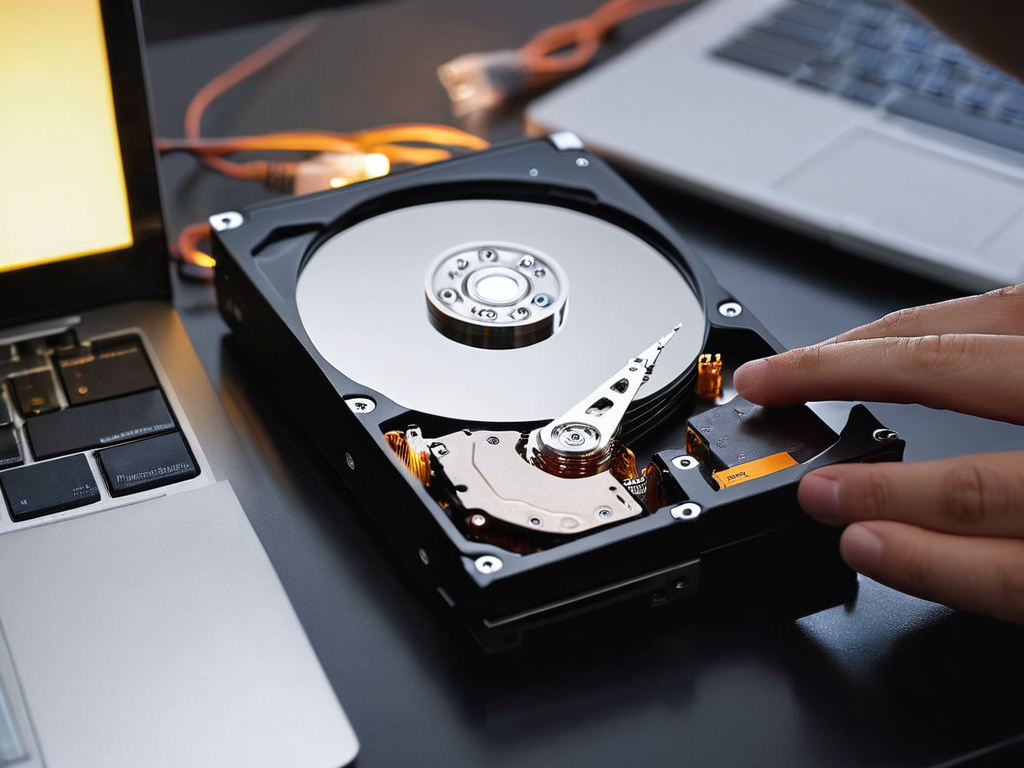
Move originals somewhere you own. This is the option I would argue for. A 2 TB external drive costs less than two years of a 200 GB Google One subscription, and the files are yours. The trade is that you have to manage it: a copy in a second location, checked occasionally. Google's own takeout tool exports everything with metadata intact.
Pay for Google One, if the convenience is worth it. For 100 GB it is a few dollars a month. There is no shame in this — the honest comparison is your time against the subscription, and for many people the subscription wins.
Use a different service for new photos, if you specifically want the old model back. Some providers still offer unlimited compressed photo storage at reduced quality. Read the current terms rather than the marketing headline, because these tiers change as often as Google's did.
The Privacy Point, Which Has Not Changed
Free or paid, your photos are stored in a form Google can read. That is what enables search for "dog" across a decade of images, and it is also the reason a private photo is not private in the way a file on an encrypted drive is.
If that matters to you, encrypt before upload. You lose the search and the automatic albums, and you keep the pictures. That was true when storage was free and it is still true now.
What I Actually Did
I deleted about 30 GB of screenshots and duplicate videos, switched new uploads to Storage saver, and bought a 2 TB drive for the originals I care about. Total cost: a drive I will use for other things anyway, and an evening.
The account has not warned me since, and I know where every original is. That is a better position than the free unlimited tier ever gave me, because that tier was never a backup — it was a copy I did not control.
Don't trust the download button. Trust the hash.
If this was useful, More hands-on tech guides at TechGeek. No pressure — read it whenever it's useful.
