fleet-track.org: Track Your Own GPS Devices
Why I Built It
I wanted to see my own car on a map without a subscription, a vendor account and a dashboard designed to upsell me. What I wanted was narrower than what the market sells: send a position, see it on a map, look at where the vehicle has been.
So fleet-track.org exists. You sign up, you get a token, and anything that can make an HTTP request can report its position. One device or twenty, the mechanics are the same.

What You Actually Get
Two screens do most of the work.
The live view shows where each device is now, with speed and the time of the last report. If a device has not reported recently, it says so rather than showing you a stale dot as though it were current — which sounds like a small thing until you have been misled by it once.
The history view draws the trips. Each one has a start, an end, a distance and a duration, and you can step through them rather than scrubbing a timeline. This is the view I use most, because "where was the ute on Tuesday" is the question I actually have.
Beyond those there is a device list, alerts you define yourself, and a blog with the setup guides, because sending data from hardware is the part where people get stuck.
How Data Gets In
Any device that can POST JSON. The endpoint is https://api.fleet-track.org/gps/, authenticated with a token and a device name, and a position report is about ten lines of Python:
import requests

payload = '{"vehicle_name":"Ute", "utc":"2026-11-12 08:11:20", "latitude":"-27.4698", "longitude":"153.0251", "speed":"0", "vehicle_move_stop":"", "vehicle_move_start":"", "alert":""}'
headers = {
    "content-type": "application/json",
    "Authorization": "Token YOUR_TOKEN",
    "user": "Ute",
}
print(requests.post("https://api.fleet-track.org/gps/", data=payload, headers=headers).status_code)
That is the whole integration. There is a longer walkthrough with error codes and the fields that actually matter in the getting-started guide on this site.
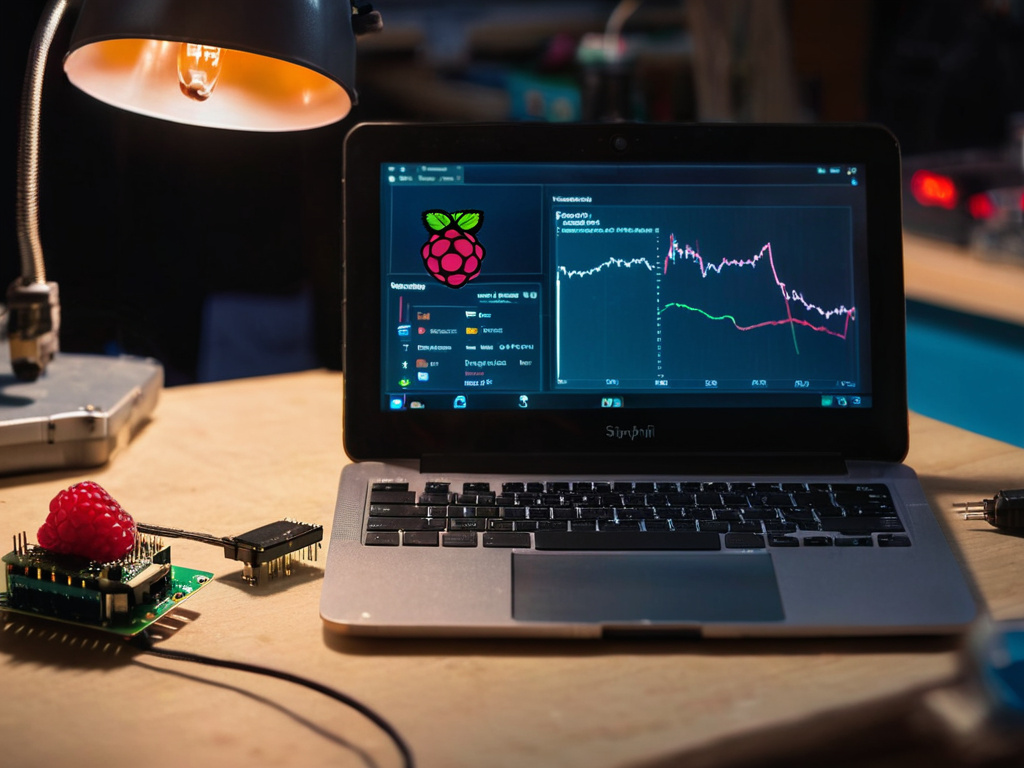
For hardware, the pi-auto project is the companion: a Raspberry Pi Zero with a GPS/3G hat that reads a fix and posts it. The two were built together, so the setup in one matches the other.

Why Open Rather Than Managed
The uncomfortable thing about most tracking platforms is that the data is the product. Your location history is extremely useful to insurers, advertisers and anyone who buys a dataset. On a closed platform you cannot verify what happens to it; you can only read the policy.
Here, the code is open, the API is documented, and the point of the site is that you can run the same thing yourself if you want to. That does not make me trustworthy by itself — but it does mean the claim is checkable rather than a promise in a footer.
Free and Premium
The free tier covers a small number of devices with full map and history, no card required, no expiry. It is not a trial; it exists because most people trying this out have one or two vehicles and should be able to find out whether it suits them.
Premium adds device count, longer history retention and the reporting that only matters at volume. If you are tracking twenty vehicles you will want it. If you are tracking your own car, you probably will not.
What It Is Not
It is not a compliance or telematics system. No tachograph reporting, no driver-hours certification, nothing you should rely on in front of a regulator.
It is not for tracking vehicles you do not own or have permission to track. That is the legal position and also the reason sign-up asks you to confirm it.
And it is not millisecond real-time. Reports arrive when your device sends them; the freshness depends on the interval you configured.
Don't trust the download button. Trust the hash.
If this was useful, More hands-on tech guides at TechGeek. No pressure — read it whenever it's useful.
